ERP System Integration: 7 Proven Expert Tips
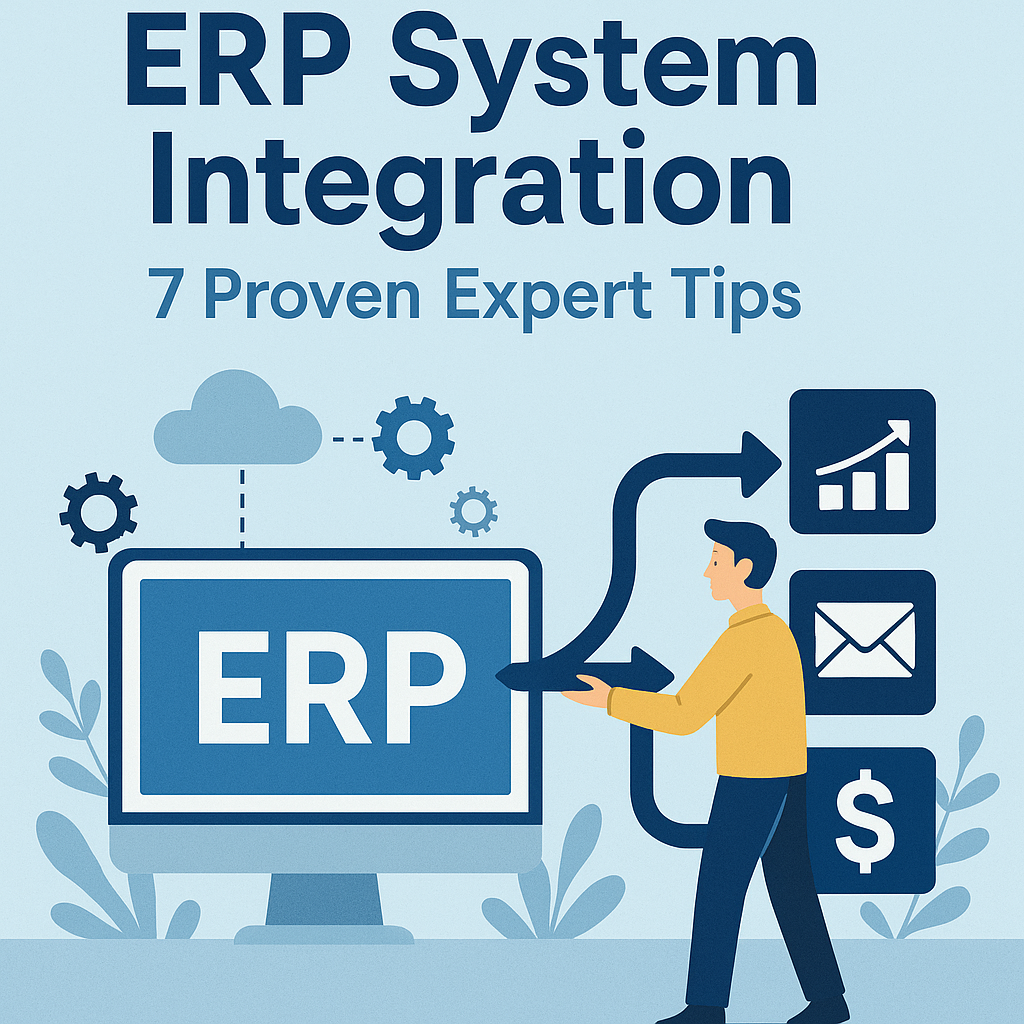
ERP system integration is one of the most important projects a growing business will ever tackle. Done well, it connects your operations, eliminates data silos, and saves your team hours every week. Done poorly, it creates chaos. Whether you are a small manufacturer, a logistics company, or a professional services firm, understanding how to approach ERP system integration in 2026 can make or break your project. Here are 7 proven expert tips to guide you.
- Why ERP System Integration Matters in 2026
- Common ERP Implementation Challenges to Expect
- ERP System Integration Planning: Build a Solid Foundation
- ERP Data Migration: Getting Your Data Ready
- Choosing the Right Integration Vendor
- Testing and Go-Live Strategy
- Post-Integration: Making Business Software Integration Stick
- Frequently Asked Questions
- Final Thoughts
Why ERP System Integration Matters in 2026
Modern businesses rely on a web of tools: accounting platforms, inventory systems, HR software, CRMs, and more. Without ERP system integration, these tools operate in isolation. Your accounts team pulls one number, your warehouse team pulls another, and nobody trusts the data. That is a real problem when decisions need to happen fast.
In 2026, the pressure to connect systems has only grown. Supply chains are more complex, remote teams are more common, and customers expect real-time updates. An integrated ERP gives everyone in your business access to a single source of truth. That alone can reduce reporting errors, cut manual data entry, and speed up decision-making dramatically.
According to research published by NIST (National Institute of Standards and Technology), interoperability between enterprise systems remains a top driver of operational efficiency in manufacturing and services sectors. That finding holds firmly in 2026 as software ecosystems grow more complex.
Common ERP Implementation Challenges to Expect
Before you start, it helps to know what you are walking into. ERP implementation challenges are real, and businesses that underestimate them often go over budget or miss deadlines. Understanding the obstacles ahead of time gives you a fighting chance.
Here are the most common ERP implementation challenges businesses face:
- Scope creep: Teams keep adding features mid-project, ballooning costs and timelines.
- Poor data quality: Dirty or incomplete legacy data causes failures during migration.
- Resistance to change: Staff push back on new workflows, slowing adoption.
- Underestimating integration complexity: Connecting legacy systems to a new ERP is rarely plug-and-play.
- Inadequate testing: Rushing the testing phase leads to live errors that cost real money.
- Vendor overpromising: Some vendors sell a dream and deliver something far less polished.
- Unclear ownership: When nobody owns the project internally, things fall through the cracks.
The good news is that every one of these challenges is manageable with the right preparation. The tips below walk you through how to handle each one.
ERP System Integration Planning: Build a Solid Foundation
ERP System Integration Starts with a Clear Scope
The single biggest reason ERP projects fail is a fuzzy scope. Before you contact a single vendor, sit down with every department head and map out exactly what the integrated system needs to do. What data flows between systems? What manual steps should be eliminated? What does success look like in 90 days, 6 months, and 12 months?
Write it all down. A clear scope document keeps everyone aligned and gives you a benchmark to measure against. It also protects you in vendor negotiations because you know exactly what you are buying.
Assign a dedicated internal project owner. This person is accountable for timelines, communication, and decisions. Without one, your integration project will drift. That owner does not need to be technical, but they do need authority and time to focus on the project.
Set a realistic budget that includes a contingency buffer of at least 15 to 20 percent. ERP projects almost always encounter surprises, and having budget headroom prevents panic decisions. If you have previously researched custom software pricing for similar projects, those benchmarks can help anchor your early estimates before vendor quotes arrive.
ERP Data Migration: Getting Your Data Ready
ERP data migration is where many projects quietly fall apart. Your new ERP is only as good as the data you feed it. If your existing data is messy, duplicated, or outdated, migrating it as-is will simply move the problem into your shiny new system.
Start a data audit at least three months before your planned go-live date. Look for duplicate customer records, inconsistent product codes, missing fields, and outdated supplier information. Assign team members to clean specific data sets. This is unglamorous work, but it is foundational.
Build a data mapping document that shows exactly where each data field in your old system maps to in your new ERP. This prevents migration errors and helps your technical team automate the transfer process. Test your migration with a small data sample first, not your entire dataset.
Run a parallel test where both the old and new systems process the same transactions. Compare the outputs. Discrepancies here are cheaper to fix before go-live than after. Budget time for at least two full test migrations before the real one.
Choosing the Right Integration Vendor
Not all ERP vendors are equal, and the right choice depends heavily on your industry, your existing tech stack, and your internal capacity. Here is what to evaluate when selecting a vendor for business software integration.
- Industry experience: Has the vendor done similar integrations in your sector? Ask for references from companies your size.
- API capabilities: Modern ERP integrations depend on robust APIs. Ask about REST vs. SOAP, rate limits, and documentation quality.
- Support model: What happens when something breaks post-launch? Is support included or billed separately?
- Data security standards: In 2026, compliance with standards like ISO 27001 is non-negotiable. Ask how your data is protected during and after migration.
- Customization limits: Can the platform be configured for your workflows, or will you have to change your processes to fit the software?
- Total cost of ownership: Look beyond the license fee. Factor in implementation, training, annual maintenance, and future upgrade costs.
- Exit strategy: What happens if you want to switch vendors in 5 years? Is your data portable?
Get at least three vendor proposals before deciding. Use your scope document to evaluate each proposal against the same criteria. This is also a good time to think about whether your needs align with workflow automation tools already in your stack, since some ERP platforms natively connect with popular automation layers and can reduce your overall integration complexity.
Testing and Go-Live Strategy
Testing is where most businesses cut corners, and it is where they pay dearly for it. A structured testing phase is not optional; it is the safety net between your team and a very stressful go-live day.
Plan for three types of testing before you launch:
- Unit testing: Test each individual integration point in isolation. Does the inventory module talk correctly to the accounting module? Does a new customer order trigger the right workflow?
- User acceptance testing (UAT): Real users test real scenarios. Get your finance team to run month-end close, get your warehouse team to process orders, and get your HR team to run payroll. All in the test environment.
- Load testing: Simulate peak usage. What happens when 50 users are all processing end-of-quarter data at the same time?
Choose a go-live date that avoids your busiest period. A retailer should not go live in November. A tax firm should not launch in March. Give yourself a quiet window where the team can focus on the transition without the pressure of peak demand.
Plan a rollback procedure. If something goes critically wrong in the first 48 hours, know exactly how you will revert to your old system temporarily. Having that plan ready reduces panic and protects the business.
Post-Integration: Making Business Software Integration Stick
Sustaining ERP System Integration Long Term
Getting the system live is only half the battle. Business software integration only delivers its full value when your team actually uses it properly. That requires deliberate effort after go-live.
Invest in training before and after launch. Pre-launch training builds familiarity. Post-launch training reinforces the right habits once people are using the system with real data. Short, role-specific training sessions work better than marathon all-staff workshops.
Appoint internal super-users in each department. These are people who receive deeper training and act as the first line of support for their colleagues. They reduce the load on your vendor support team and speed up problem resolution for everyday questions.
Monitor your key performance indicators in the first 90 days. Are reports running faster? Is manual data entry dropping? Are errors decreasing? If the numbers are not moving, dig into why. It might be a training gap, a configuration issue, or a process that was not mapped correctly.
Schedule a formal review at the 90-day and 6-month marks. Bring department heads together to share what is working and what is not. Use that feedback to tune configurations and close gaps. ERP system integration is not a one-time project; it is an ongoing process of refinement.
If you previously explored AI-powered CRM tools as part of your customer management stack, revisit that connection now. Many 2026 ERP platforms offer native connectors to leading CRM tools, and syncing customer data bidirectionally can unlock significant value once your core integration is stable.
Frequently Asked Questions
How long does ERP system integration typically take?
The timeline depends on the complexity of your systems and the size of your business. A small business integrating a single ERP with a few connected tools might complete the project in 3 to 4 months. A mid-sized company with multiple legacy systems, large data volumes, and complex workflows should plan for 6 to 12 months. Rushing a timeline to save money almost always costs more in the long run through rework, errors, and user frustration. Budget time for planning, testing, and training as distinct phases, not afterthoughts.
What is the biggest risk in ERP data migration?
The biggest risk is migrating poor-quality data into your new system. If your legacy data has duplicates, inconsistencies, or gaps, those problems transfer directly into your ERP and can corrupt reporting and operations from day one. A thorough data audit and cleaning process before migration is not optional. Test your migration multiple times with sample data sets and compare outputs carefully. Many ERP projects have been delayed or derailed not by the software, but by the state of the data being moved into it.
Can a small business benefit from ERP system integration?
Absolutely. Small businesses often benefit most from ERP integration because their teams are lean and every hour of manual work matters. Connecting your accounting, inventory, and order management systems eliminates duplicate data entry, reduces errors, and gives the owner or manager a real-time view of the business. Modern cloud-based ERP platforms in 2026 are much more affordable and easier to implement than the enterprise systems of a decade ago. Many are designed specifically for businesses with 10 to 100 employees.
How do I handle staff resistance during ERP implementation?
Staff resistance usually comes from fear of the unknown or frustration with change. The best way to handle it is through early involvement and clear communication. Include key users from each department in the planning and testing phases. Let them provide feedback that actually shapes how the system is configured. When people feel heard and see their input reflected in the final product, adoption improves significantly. Celebrate early wins publicly, share positive results, and be patient. Resistance typically softens within the first few weeks after go-live as the benefits become visible.
What should I look for in an ERP integration partner?
Look for a partner with proven experience in your industry, strong references from similar-sized businesses, and a transparent project methodology. They should be able to explain their testing process, their data migration approach, and what post-launch support looks like in plain language. Avoid vendors who are vague about timelines or costs. A good ERP integration partner pushes back on an unrealistic scope rather than just agreeing to everything to win the deal. Ask how they handle project changes and what happens if the project runs over time or budget.
Final Thoughts
ERP system integration is a significant investment, but it pays back in efficiency, accuracy, and growth capacity when it is done thoughtfully. The 7 proven tips in this article are not theoretical; they reflect what actually works in 2026 based on real project experience and common failure patterns.
Start with a clear scope, clean your data early, choose your vendor carefully, test thoroughly, and invest in adoption after go-live. Each of those steps compounds the value of the others. Skip any one of them and you create a weak link that can undermine the whole project.
If you are early in your planning, use this guide as a checklist. Share it with your project team and your leadership group. The more aligned everyone is before the first vendor call, the smoother your ERP system integration will be. You have got this.